Overnotch · Any Mac
Notch or no notch, it fits.
Overnotch hangs from the notch on MacBooks that have one, and floats at the top of the screen on every other Mac — external displays included.



With a notch: it hangs from it, around the camera.
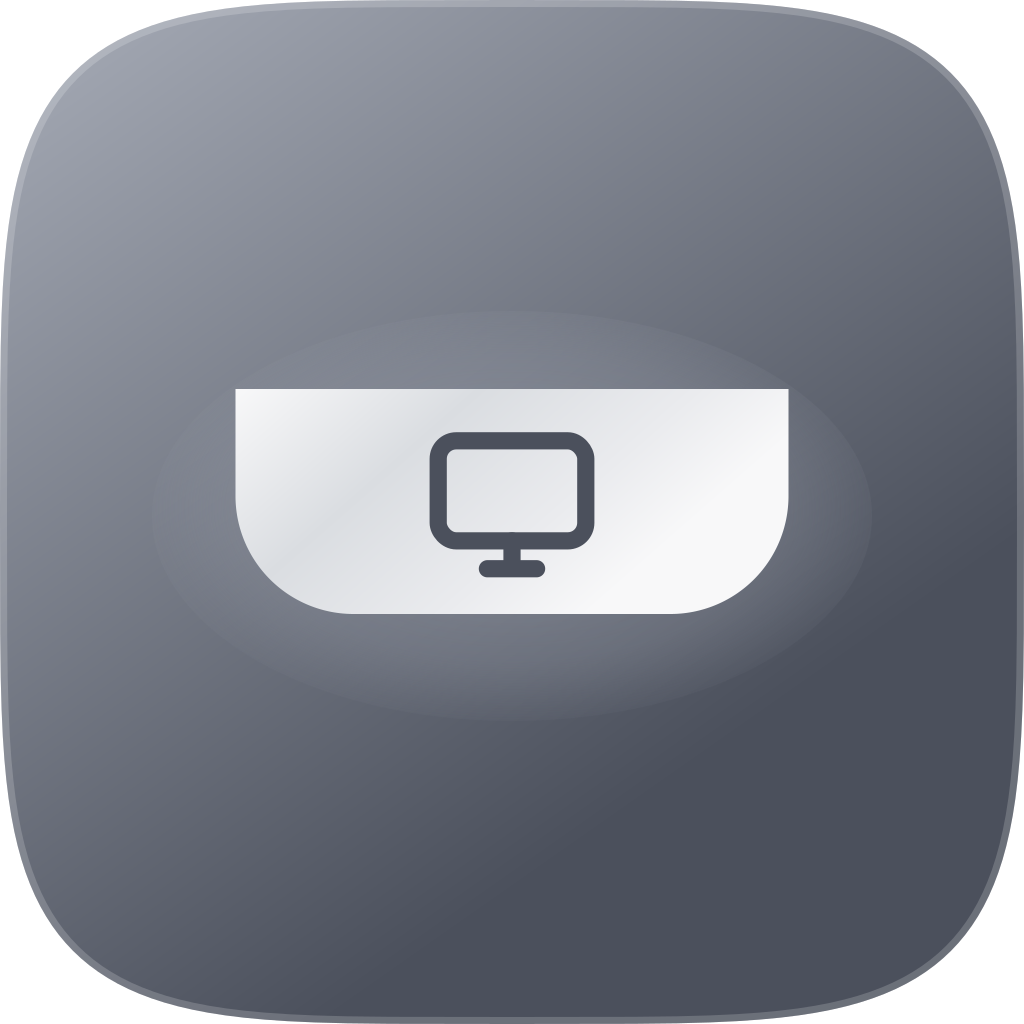
With a notch
Made for the notch you already have.
On a MacBook Pro or Air with a notch, Overnotch hangs from it and wraps around the camera. The strip that was doing nothing becomes the most useful part of the screen.
Without one
No notch? It floats.
On a MacBook without a notch, an iMac, a Mac mini or a Mac Studio, the same island floats at the top of the screen, a few pixels below the edge and rounded all the way round. Every module works the same.
More than one screen
It goes where you're looking.
Pick the display it lives on — or choose Follow active display, and it moves to whichever screen has the pointer.
Good to know
- Requirements
- macOS 14 or later, on a Mac with Apple Silicon.
- Two Macs
- One licence covers two Macs — the laptop and the desk, say.
- Display
- Settings → Display: Automatic picks for you, or force Docked or Floating.
Be first in line.
Overnotch is coming soon. Leave your email and get the launch discount.